Compliance and credentials
Updated 24 October 2026
Upload organisation SOPs, insurances and certifications used across pre-contract reviews and compliance checks.
Store organisation-wide SOPs, insurance policies and certifications that reviews and agents can reference across every project.
Open Manage Organisation → Compliance & Credentials.
Standard operating procedures
- Open Standard Operating Procedures (1).
- Upload the SOP PDF.
- Use View on a row to open it, or row actions to replace or remove when procedures change.
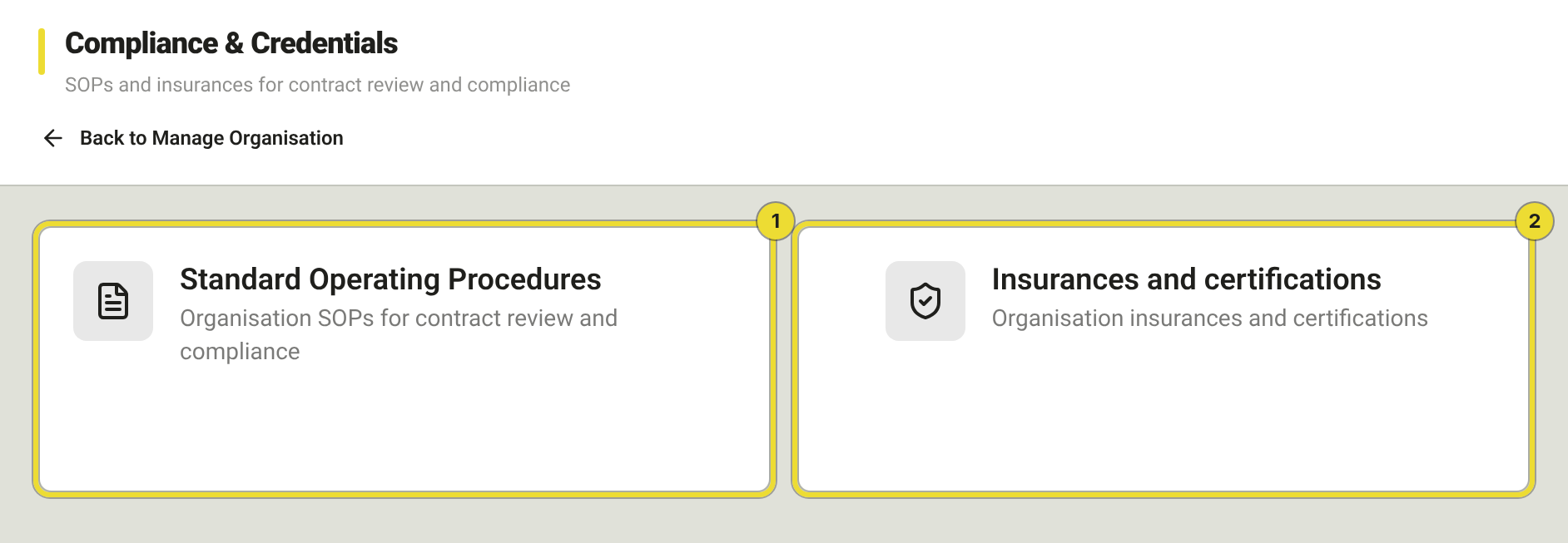
Upload key SOPs before your first contract scan so DAIV can reference your procedures.
Insurances and certifications
- Open Insurances and certifications (2).
- Upload the policy or certificate PDF.
- Keep rows current before expiry dates on the certificates.
These are the company-wide baseline. Project-only policies live under the project → Documents → Insurance.
How these documents are used
| Area | Use |
|---|---|
| Pre-Execution scans | Cross-checks against org SOPs where configured |
| Contract reviews | Consistent handling of risk categories |
| Agents | Insurance and compliance checks against uploaded credentials |
Uploading here does not attach a file to one specific review — workflows pull from the org library as configured.
Questions
Where do I put a project-only policy?
On the project under Documents → Insurance, not here.